How to post on Instagram without cropping
Instagram crops in two places: the feed and your grid. Here's how to keep the whole photo in each.
In the feed: stay within the limits
A photo keeps its shape if it's between 1.91:1 wide and 3:4 tall. Most camera photos already are: 3:2 landscapes and 4:5 or 3:4 portraits all show in full. A 2:3 portrait straight from the camera is too tall, so it loses some height. Crop it to 3:4 yourself and you choose what goes.
When you post, use the expand icon in Instagram's photo picker so it keeps the full shape.
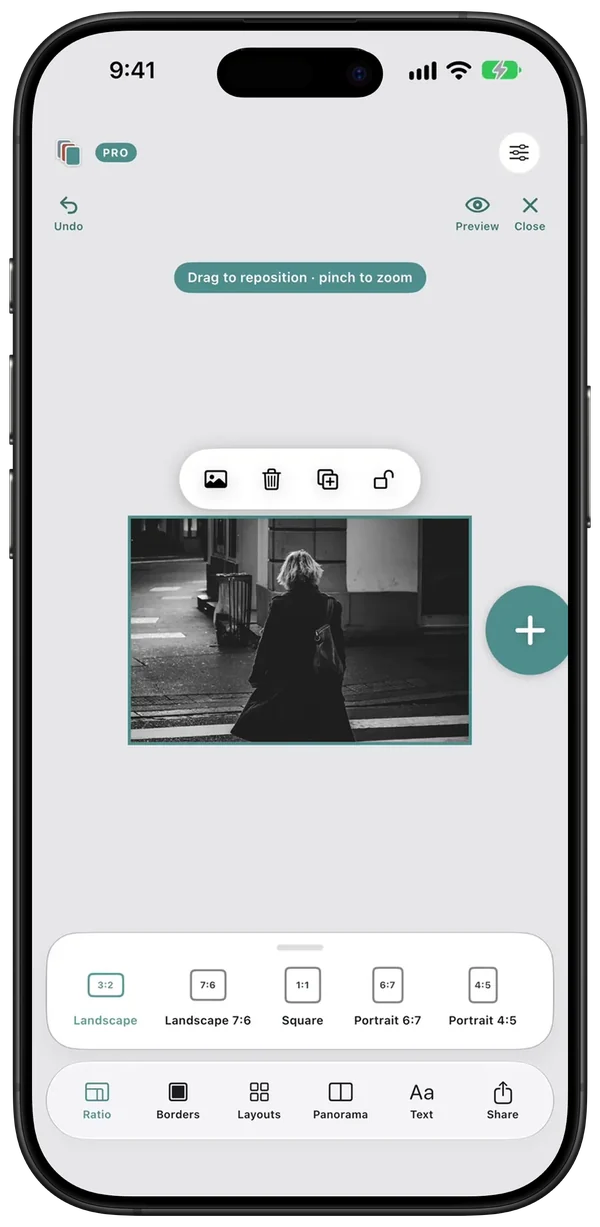
On your grid: choose one of three options
The grid shows every post as a 3:4 tile, so only a 3:4 photo shows whole.
- Export at 3:4. The post and the tile match, with nothing lost.
- Use Adjust preview. Keep your shape in the feed and choose which part shows in the tile. It's in the post's three-dot menu.
- Add a white border. The whole frame shows inside the tile. See how to add a white border.
Check any photo with the free crop checker, or see the full size table.
In a carousel: the first slide decides
Every slide takes the shape of the first. If your set mixes landscapes and portraits, add the same border to each so they all share one shape and nothing is cut.
Check it before it goes live
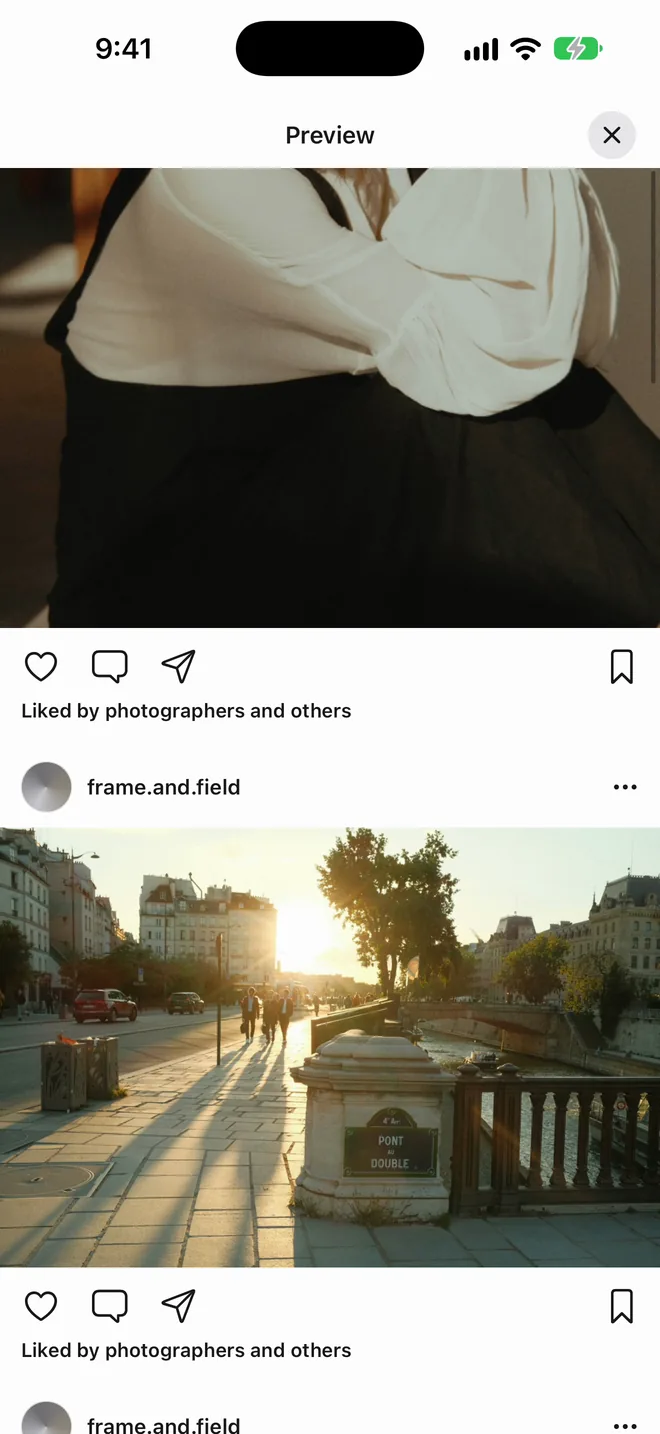
Swatch shows your grid in 3:4 tiles and Preview shows each post and slide as it lands in the feed, so a bad crop shows up while you can still fix it.
Questions
Why does Instagram crop my photos?
The feed only keeps shapes between 1.91:1 wide and 3:4 tall, and the profile grid shows every post as a 3:4 tile. Anything outside those shapes gets cut.
Can a landscape photo show in full on my grid?
Only on a border. Put it on a white 3:4 canvas and the whole frame shows inside the tile, with white above and below.
Can I change the grid crop after posting?
Yes. Open the post, tap the three-dot menu and choose Adjust preview. The menu can vary by app version.
Will a carousel crop my photos?
It can. Every slide takes the shape of the first, so a landscape after a portrait first slide gets cut. Lead with the shape that suits the set, or add borders so they all match.
Plan the next nine in Swatch.
Free to download on iPhone. One payment unlocks Swatch Pro for good, with no subscription.
Download on the App Store →