How to rearrange your Instagram grid
Instagram now lets you move posts around your profile. Here's how, what it keeps and how to try an order before anyone sees it.
Rearrange posts in Instagram
- Update the Instagram app, then go to your profile.
- Press and hold any post in your grid.
- Tap Reorder grid.
- Drag posts to their new spots.
- Tap Done. The new order is live for everyone straight away.
Good to know
- Moved posts keep their dates, likes and comments.
- Pinned posts, up to 3, stay at the top until you unpin them.
- It works in the app on iPhone and Android, not on the website.
Try the order first
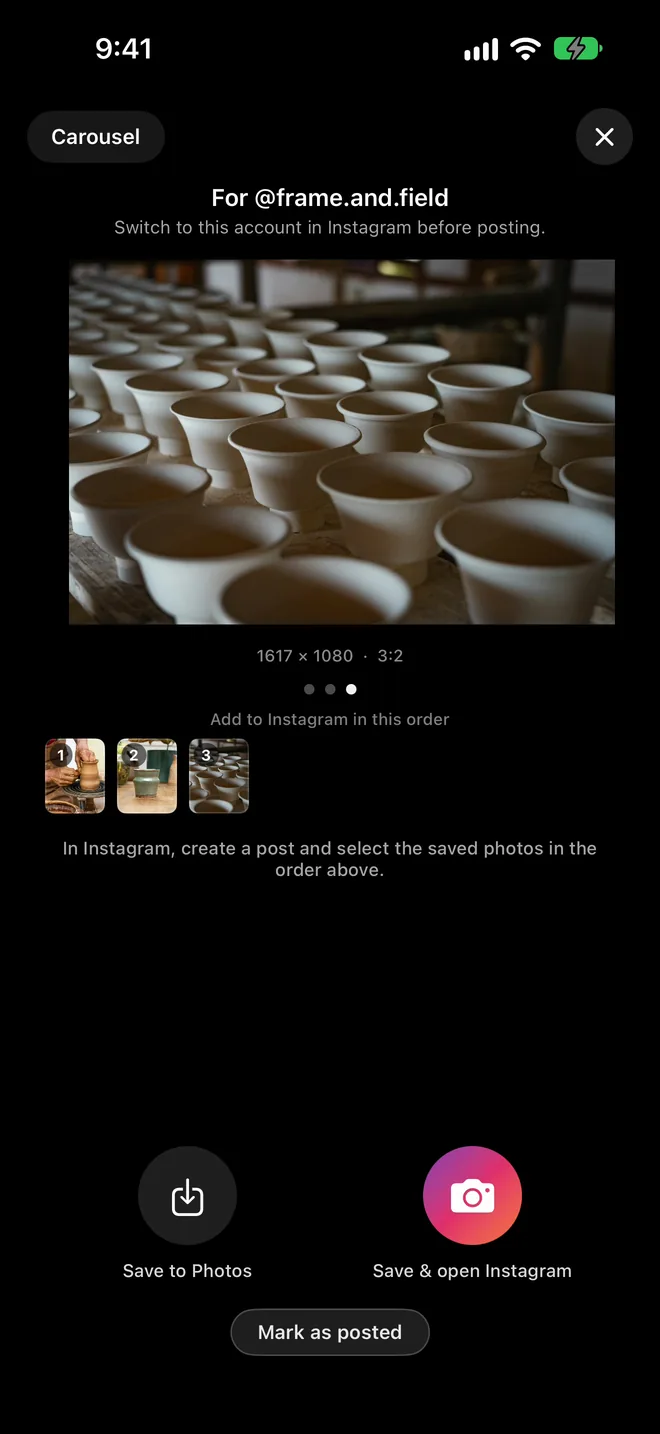
Reordering on Instagram happens in public. In Swatch you lay out your grid, including posts you haven't shared yet, and drag them until it works. Tap Palette to see each post as its main colour, so the one that clashes stands out.
Questions
Can you rearrange your Instagram grid?
Yes. Since June 2026 the Instagram app lets you drag posts on your profile into a new order. Long-press a post and tap Reorder grid.
Why can't I see Reorder grid?
Update the Instagram app. The option rolled out on iPhone and Android in June 2026, so it may reach some accounts later. It's in the app, not on the website.
Do likes and dates change when I move a post?
No. A moved post keeps its date, likes and comments. Only its spot on your profile changes.
What about pinned posts?
Up to 3 pinned posts stay at the top. Unpin one to move it with the rest.
Can I try an order without followers seeing it?
Not in Instagram: the new order saves straight away. Plan it first in Swatch, which looks like your profile but only you see it.
Plan the next nine in Swatch.
Free to download on iPhone. One payment unlocks Swatch Pro for good, with no subscription.
Download on the App Store →