An Instagram feed planner for private accounts
Most planners want a business account and your Instagram login. Swatch needs neither, so a private or personal account plans the same way.
No login, no business account
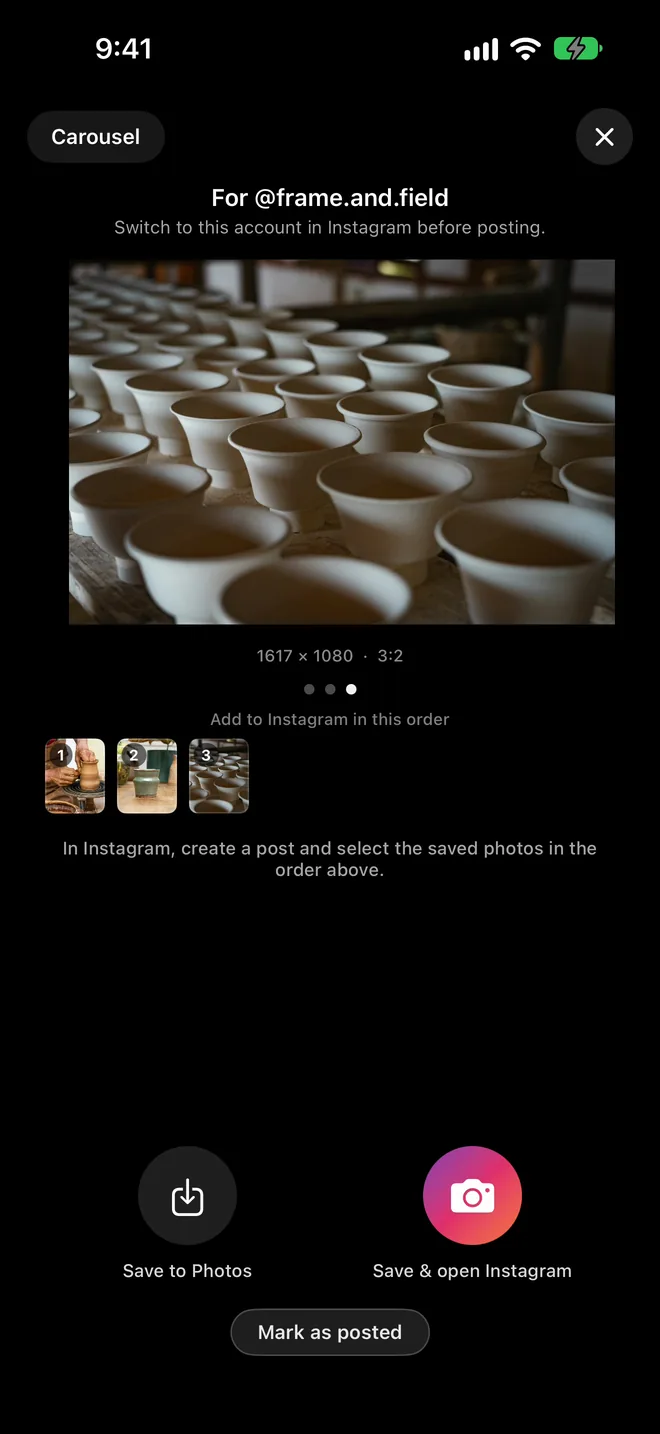
Swatch is a planner, not a scheduler. You add your photos from Photos, plan the grid and post it yourself in Instagram, so Swatch never touches your account.
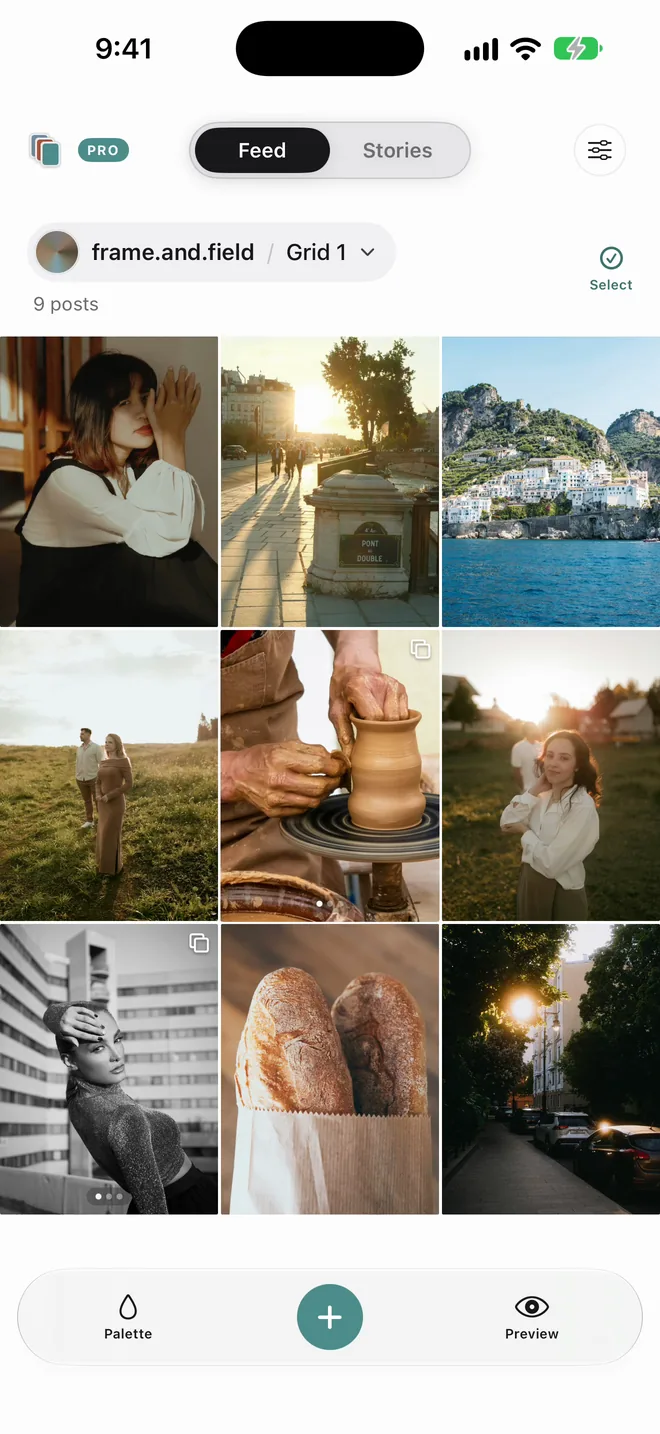
Everything a public profile gets
Reorder posts, hold spots with colour placeholders, check every crop in Preview, build carousels and write captions. When a post is ready, Share saves it to Photos in order and copies the caption.
How it compares
| Swatch | Scheduling planners | |
|---|---|---|
| Private accounts | Yes | Often need a business or creator account |
| Instagram login | Never asked for | Required to publish |
| Posting | You post in Instagram | Posts for you |
Want a closer look? See Swatch vs Planoly and Swatch vs Later.
Questions
Does Swatch work with a private Instagram account?
Yes. Swatch never connects to Instagram. You add your own photos, so private, personal, creator and business accounts all work the same.
Why do some planners need a business account?
Planners that publish for you go through Instagram's tools for business and creator accounts, and they need you to log in. A planner that only plans doesn't.
Can I plan more than one account?
The free version plans one grid. Swatch Pro adds unlimited grids and accounts, so you can keep a private profile and a work profile apart.
Where are my plans stored?
On your iPhone and in your own iCloud, so they're on your other Apple devices too. Nothing goes to an Instagram account.
Plan the next nine in Swatch.
Free to download on iPhone. One payment unlocks Swatch Pro for good, with no subscription.
Download on the App Store →