Instagram Reel cover checker
See your Reel cover as a full Reel and as the tile on your profile grid. Frame it, then download it at 1080 × 1920.
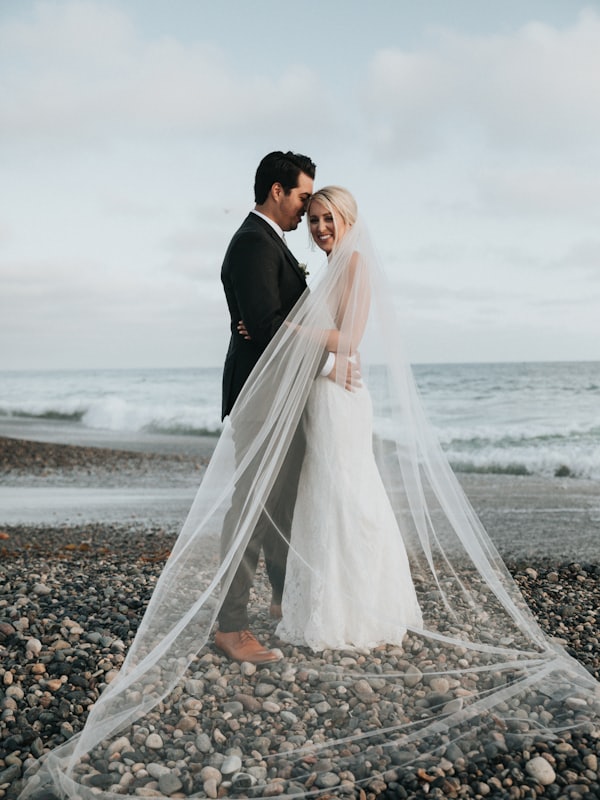
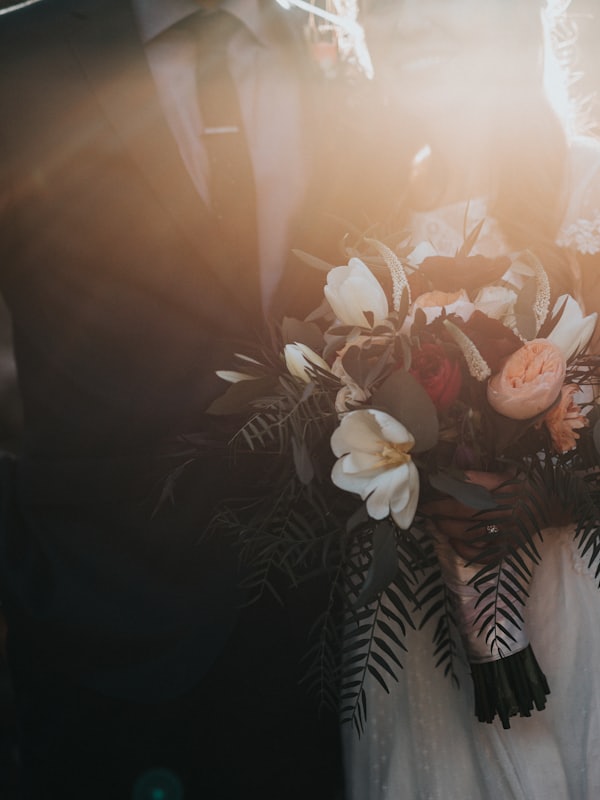
Reels are 9:16; the profile grid shows a 3:4 crop. Your cover downloads at 1080 × 1920.
How to use it
- Choose a photo or a frame from your Reel.
- If it isn't 9:16, drag the frame on your photo to choose the cover.
- Drag the frame on the Reel to see what shows on your grid.
- Download the cover and add it when you post the Reel.
Tips for a cover that works on the grid
- Keep the subject and any title inside the 3:4 frame.
- Keep text clear of the shaded areas, where the caption and buttons sit.
- Match the cover to your grid's colours, so the Reel doesn't jump out of the feed.
For every shape in one place, see Instagram post sizes.
Questions
Is my photo uploaded?
No. The checker runs in your browser, so your photo never leaves your device.
What size is a Reel cover?
Reels are 9:16, so make the cover 1080 × 1920. The tool downloads your cover at that size.
Why does my Reel cover look cut off on my profile?
The profile grid shows a 3:4 crop of the 9:16 cover, so the top and bottom are trimmed. Keep the subject and any text inside the frame.
Why are parts of the Reel shaded?
Instagram puts the caption and buttons over the Reel. The shading marks roughly where they sit, so keep faces and text clear of it.
Can I see the Reel next to my other posts?
Yes, in Swatch. Your grid looks like your profile, so you can check how a cover sits beside your photos before you post.
Plan the next nine in Swatch.
Free to download on iPhone. One payment unlocks Swatch Pro for good, with no subscription.
Download on the App Store →