How to plan Instagram as a wedding photographer
Couples look at your grid before they book. Here's a way to keep it looking like your best work through wedding season.
1. Hold spots before the day
Add colour placeholders for the weddings you have booked, so you know where each one will land. Placeholders are free in Swatch.
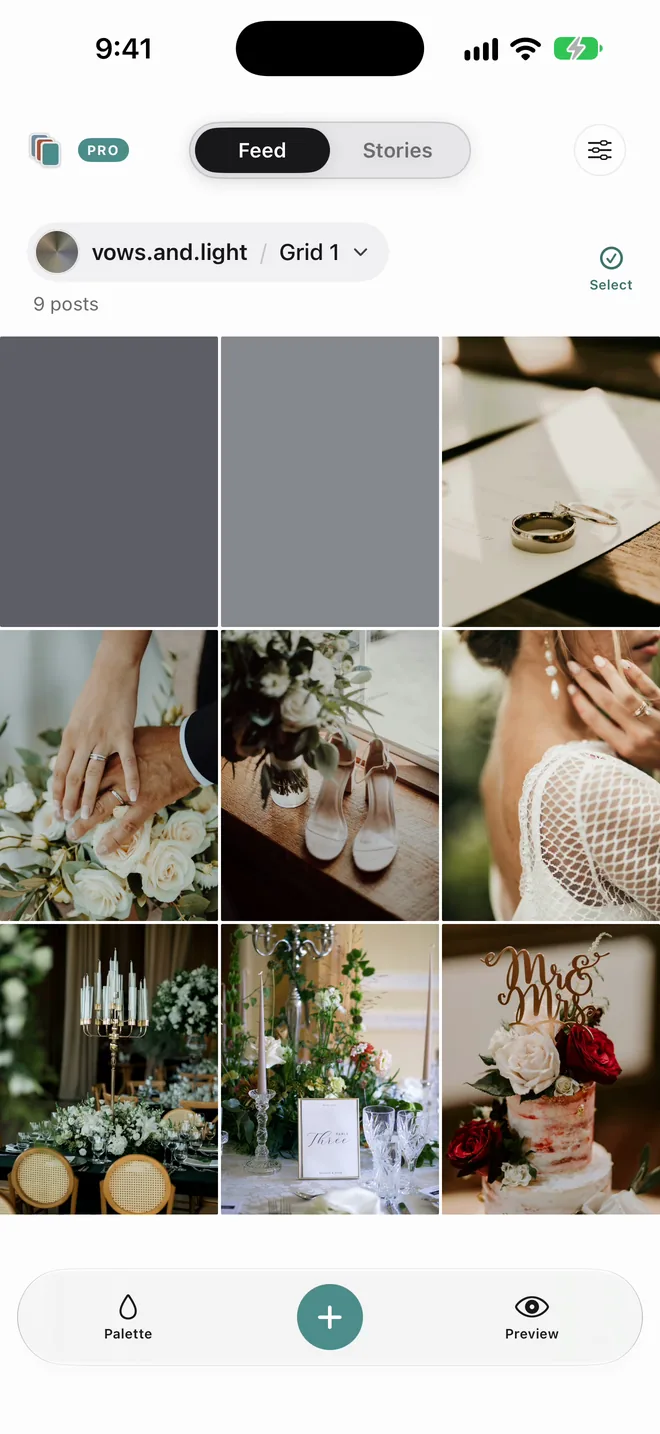
2. Plan the sneak peek and the full post
A sneak peek goes up first, then a carousel from the gallery. Lay both out so they sit well together, and swipe the carousel in Preview.
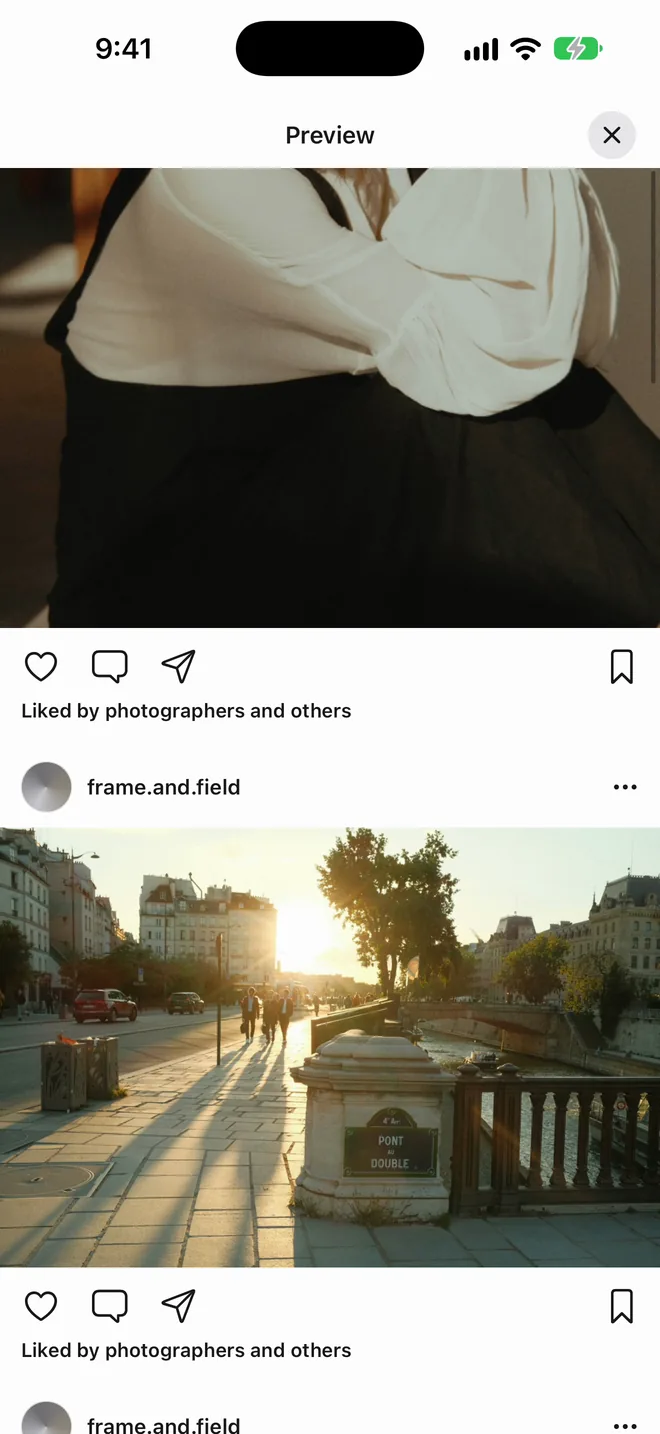
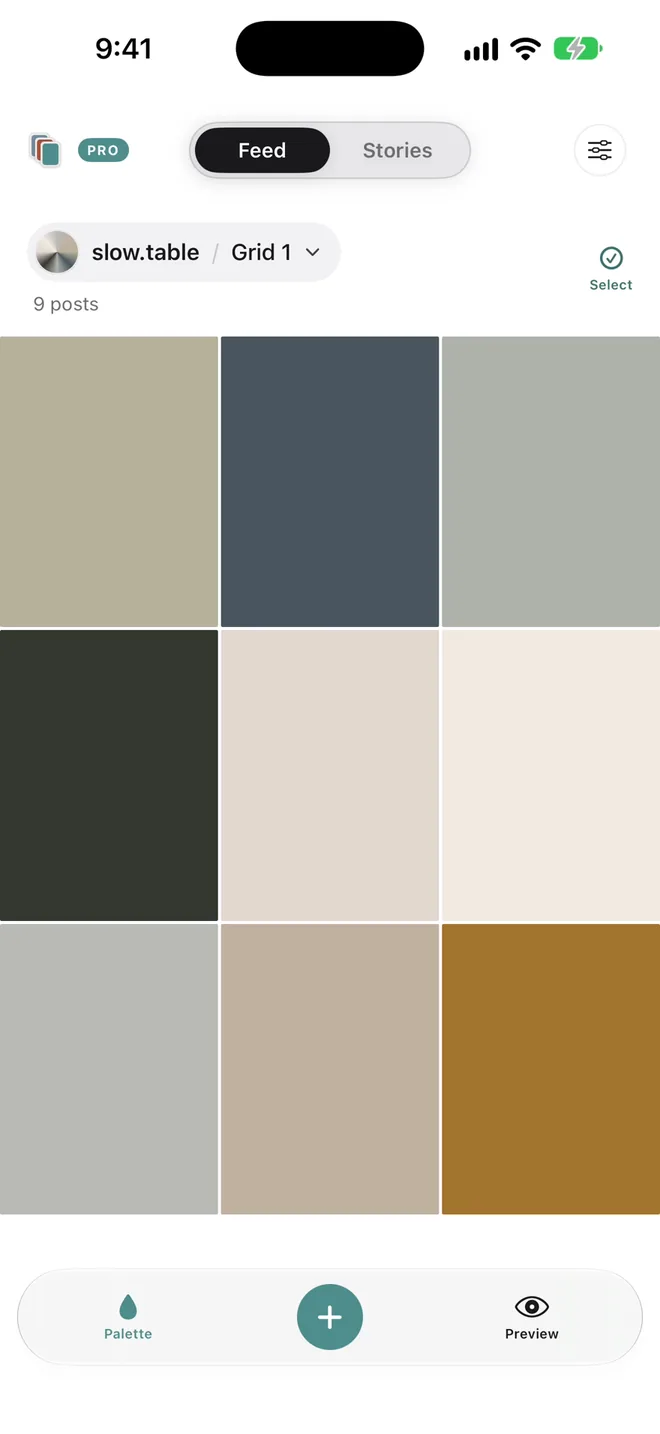
3. Mix weddings by colour
Tap Palette to see each post as its main colour. Move frames until warm and cool weddings sit side by side, not in blocks.
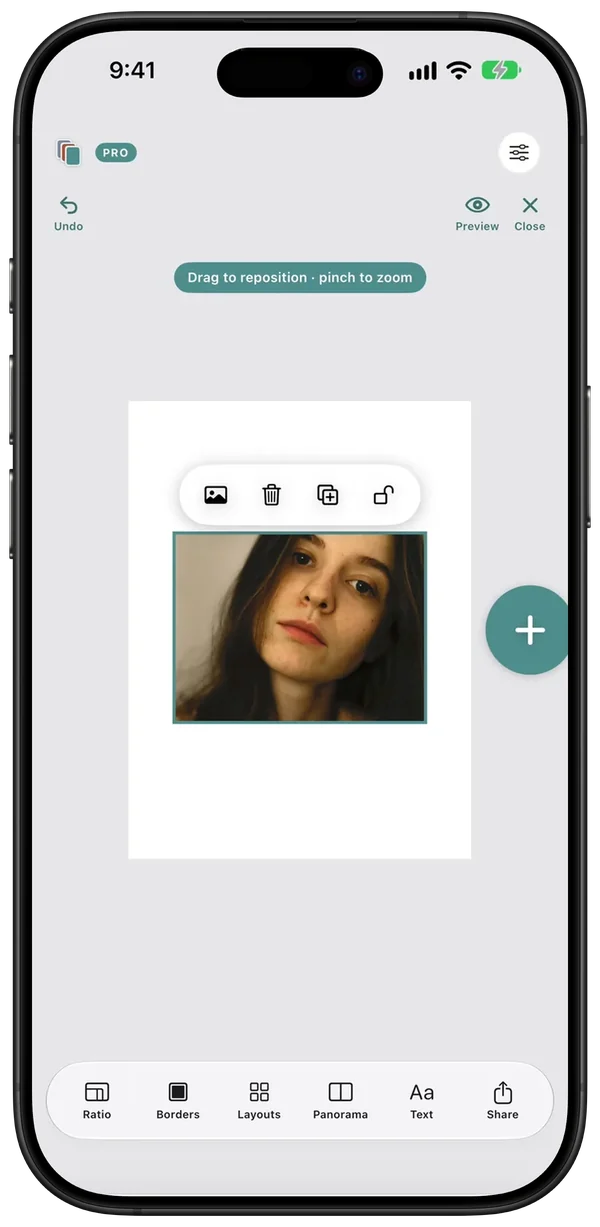
4. Post landscape frames whole PRO
A wide first dance or ceremony shot gets cropped on the grid. Borders put a white mat round it, so it posts uncropped and the grid stays even.
Questions
How often should a wedding photographer post?
Steady beats often. Two or three posts a week, planned in advance, keeps your grid looking like a portfolio between busy weekends.
Should I post a sneak peek?
Yes, one or two frames within a few days keeps the couple excited. Plan where they land so the grid still looks good when the full gallery post goes up.
How do I keep my grid consistent across different weddings?
Plan the order by colour and light, not by wedding. Palette in Swatch shows each post as its main colour, so a clashing frame stands out.
Can I plan before the wedding happens?
Yes. Drop colour placeholders into Swatch to hold spots for a wedding you haven't shot yet.
Plan the next nine in Swatch.
Free to download on iPhone. One payment unlocks Swatch Pro for good, with no subscription.
Download on the App Store →